A video messaging tool for async team communication.
Record your screen and camera, send a link, and let teammates watch when it suits them. Vertov is a video messaging tool for status updates, feedback, handoffs and explanations that would otherwise take a meeting or a very long message.
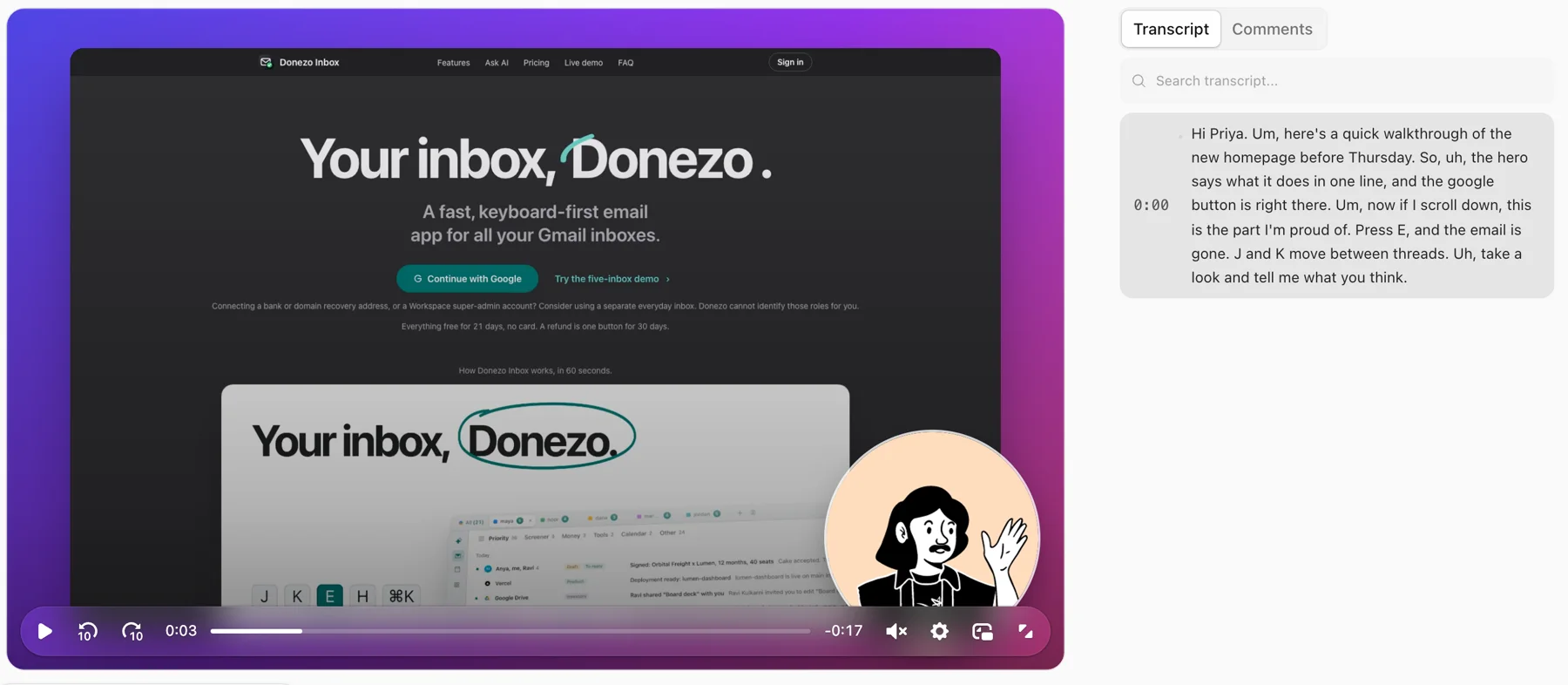
How it works
- Record a tab, a window or your whole screen with your camera on, or camera only for a quick note.
- Stop and wait for the upload to finish. Open Share and choose Copy Link. If you recorded as a guest, sign in or create an account before sharing with others. A transcript is processed in the background for recordings with speech.
- Check the video's access settings, then paste the link into Slack, Notion, a ticket or an email. Password, expiry and workspace restrictions still apply. In email, Share → Copy for email adds an animated preview.
- Link-access viewers need no account. They can watch at their own speed and comment at a timestamp, and you can see watch progress.
Comments on the second
Feedback points at the exact moment, so nobody has to describe where in the video they mean.
A transcript for spoken recordings
Once transcription finishes, viewers can skim by reading, search for a word, or turn on captions.
See who watched, and how far
Per-viewer watch progress shows whether the person got to the part that mattered.
No account needed to watch
Anyone with the link can watch, react and comment with just a name.
Private when it needs to be
Add a password, set an expiry date, or limit a video to your workspace.
A button at the end
Add a call to action, such as a booking link, that shows when the video finishes.
When a video message beats a meeting
A video message works when one person has something to show or explain and the others do not need to answer immediately: a walkthrough of a design or pull request, a status update for people in other time zones, feedback on a draft, a bug report, an onboarding explanation.
Use a call instead when the group has to make a decision together in real time. A video message gives people something to react to; it does not replace the discussion that follows.
Where this fits, and where it does not
Vertov is built for team communication, not outbound sales. It does not sync with a CRM or generate personalised videos at scale. If that is the job, or you are weighing other tools, see the Loom alternatives comparison.
It has no native desktop or mobile app. You record from the web recorder or the Chrome extension from the Chrome Web Store. It is a young product, so features and limits can change.
Pricing by hours of video stored.
A plan covers the whole workspace. Invite everyone and share with anyone. You pay for the video you keep.
Free
$0 /month
180 minutes of video
- Record, edit by transcript, caption and share
- Videos up to 15 minutes
- 3 AI runs a month
- A short end card on downloaded MP4s
Pro
$9 /month
25 hours of video, or $90 a year
- Everything in Free
- No end card, plus polish, password and expiry
- AI titles, summaries and chapters on every video
- Engagement insights
Team
$29 /month
125 hours of video, or $290 a year
- Everything in Pro
- Your logo, color and cover on share pages
- Members and viewers always free
Business
$99 /month
500 hours to 2,500 hours of video, or $990 a year
- Everything in Team
- Allowed domains, retention, activity log and SCIM
- Priority support
When a library fills up, new recordings wait until you move up a plan or make room; nothing is ever deleted for going over. Pay yearly and get two months free.
Start recording freeQuestions
- What is a video messaging tool?
- A tool for recording a short video, usually of your screen, your camera or both, and sharing it as a link so the other person watches when they choose instead of joining a call. Vertov adds a transcript, comments pinned to a timestamp and viewing stats.
- Do the people I send it to need an account?
- No. Anyone with the link can watch, react and comment with just their name, unless you have limited the video with a password or to your workspace.
- How long should a video message be?
- As long as the topic needs, within your plan: Free videos can be up to 15 minutes. Short ones are easier to watch, and the transcript and chapters help people jump to the part they need.
- Can I send one by email?
- Yes. The link unfurls with a preview in chat, and Share → Copy for email gives an animated preview for inboxes that do not play video.
- Can people reply with a video?
- They can comment and react at any moment of the video. A reply recorded as its own video goes back to you as another link.
- Is it free?
- There is a Free plan with 180 minutes of library video. Paid plans start at $9 a month.
Rather record from a toolbar button? Use the Vertov Chrome extension.
Record your first video.
No download needed and no card.